Recent Entries by Teacher / Subject
General
To get an overview of the recent lessons held by a teacher or a specific subject in a class, we have added the following functions for you:
- Lesson Log entries by teacher
- Lesson Log entries by school subject
in the control area of the digital Lesson Log.
This function is especially useful when you need to substitute for a colleague in a lesson, or when you want to browse through the lesson units of the past days, e.g., to prepare an exam or plan an oral quiz.

For better readability, the overview of the digital Lesson Log is described in more detail in a separate chapter.
Recent Entries View
Lesson Log Entries by Teacher
To open the Lesson Log Entries by Teacher view, click on the person icon in the control area of the digital Lesson Log.

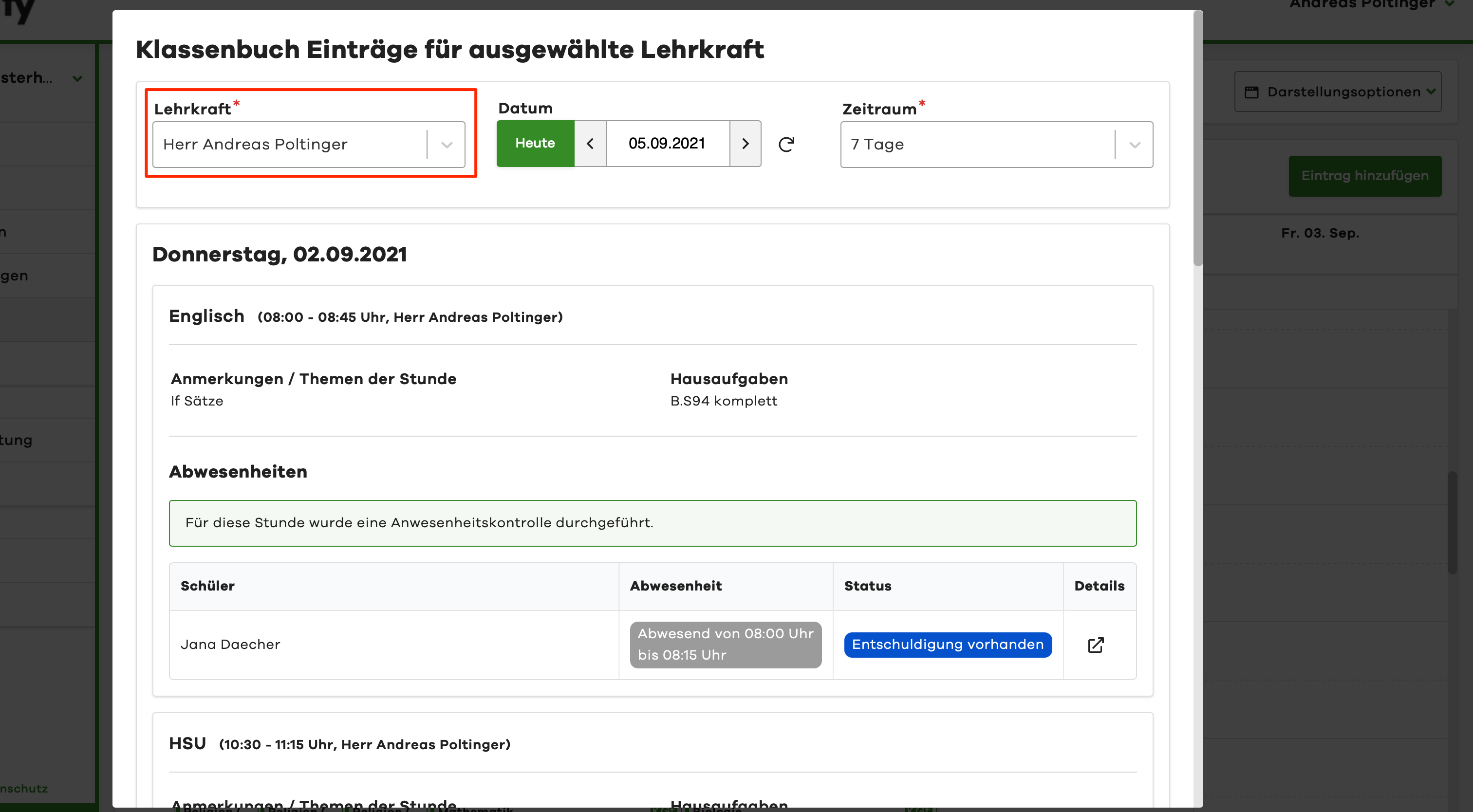
For Lesson Log entries by teacher, the current user is preselected. To see the entries of a colleague, simply select the corresponding teacher in the dialog window at the top.
Lesson Log Entries by Subject
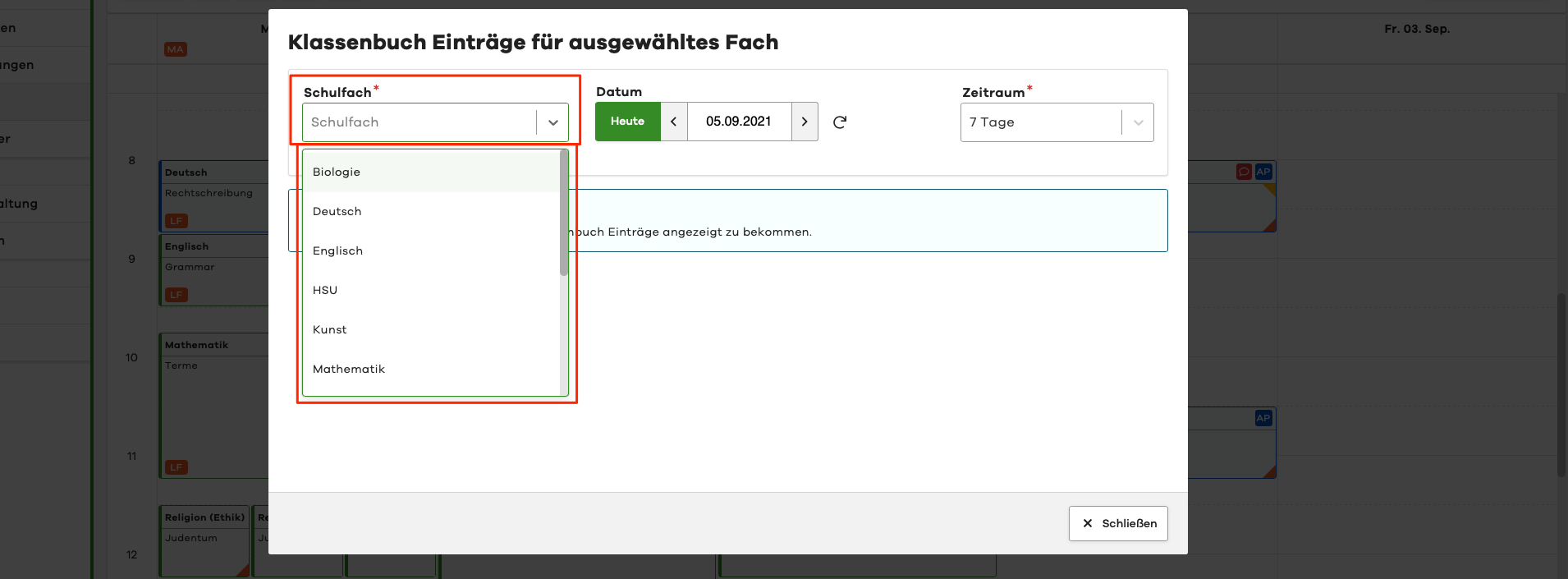
To open the Lesson Log Entries by Subject view, click on the list icon in the control area of the digital Lesson Log and then select a desired subject.