Initial Registration
Email Invitation
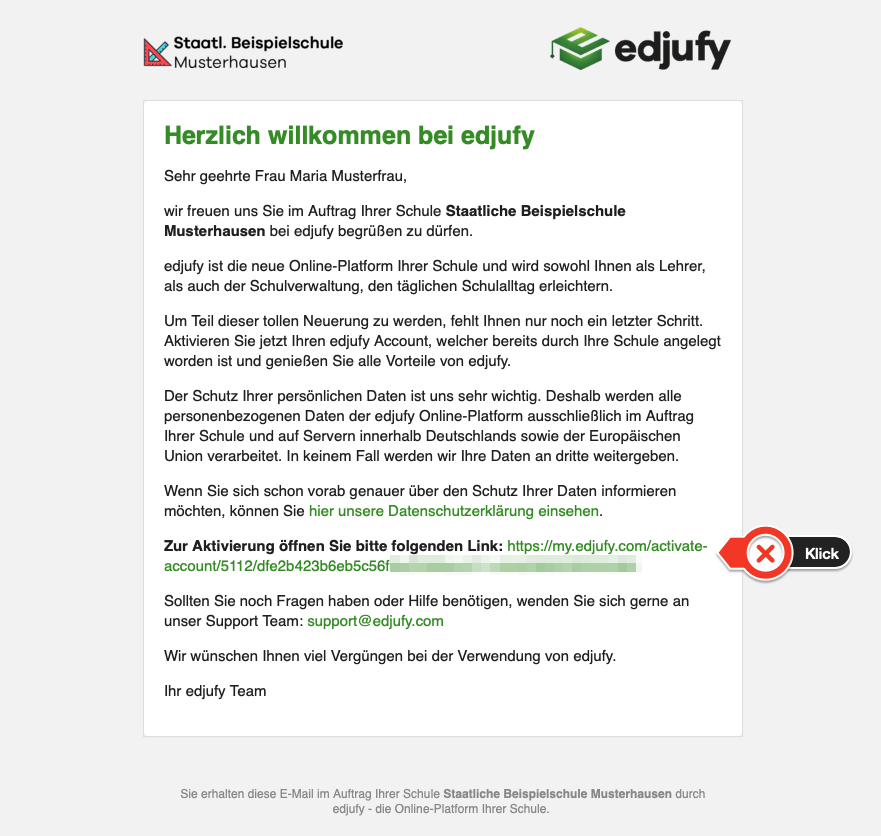
As a Legal Guardian or Teacher, you will receive an invitation to the edjufy online platform from your school via email. This email contains your personal activation link for your edjufy account. In case you have not yet received an email invitation to edjufy, please check your email inbox and contact your class teacher or your designated edjufy system administrator.
The invitation link has been issued personally for you. Therefore, do not forward it under any circumstances.
The invitation email looks approximately like the following example. Please click on the activation link and follow the instructions in the account activation process.
Activate edjufy Account
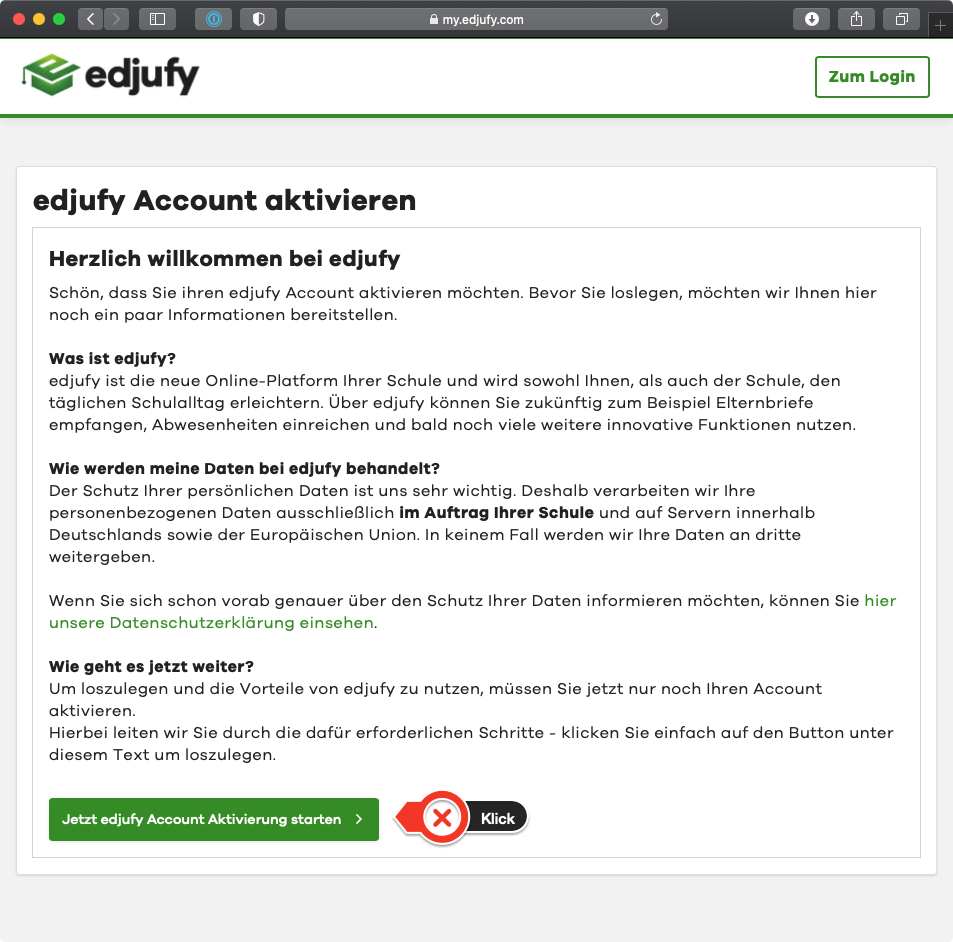
After clicking on your personal link, your browser will take you to the activation process where you will be asked to review and, if necessary, complete your account information.
Steps for Account Activation
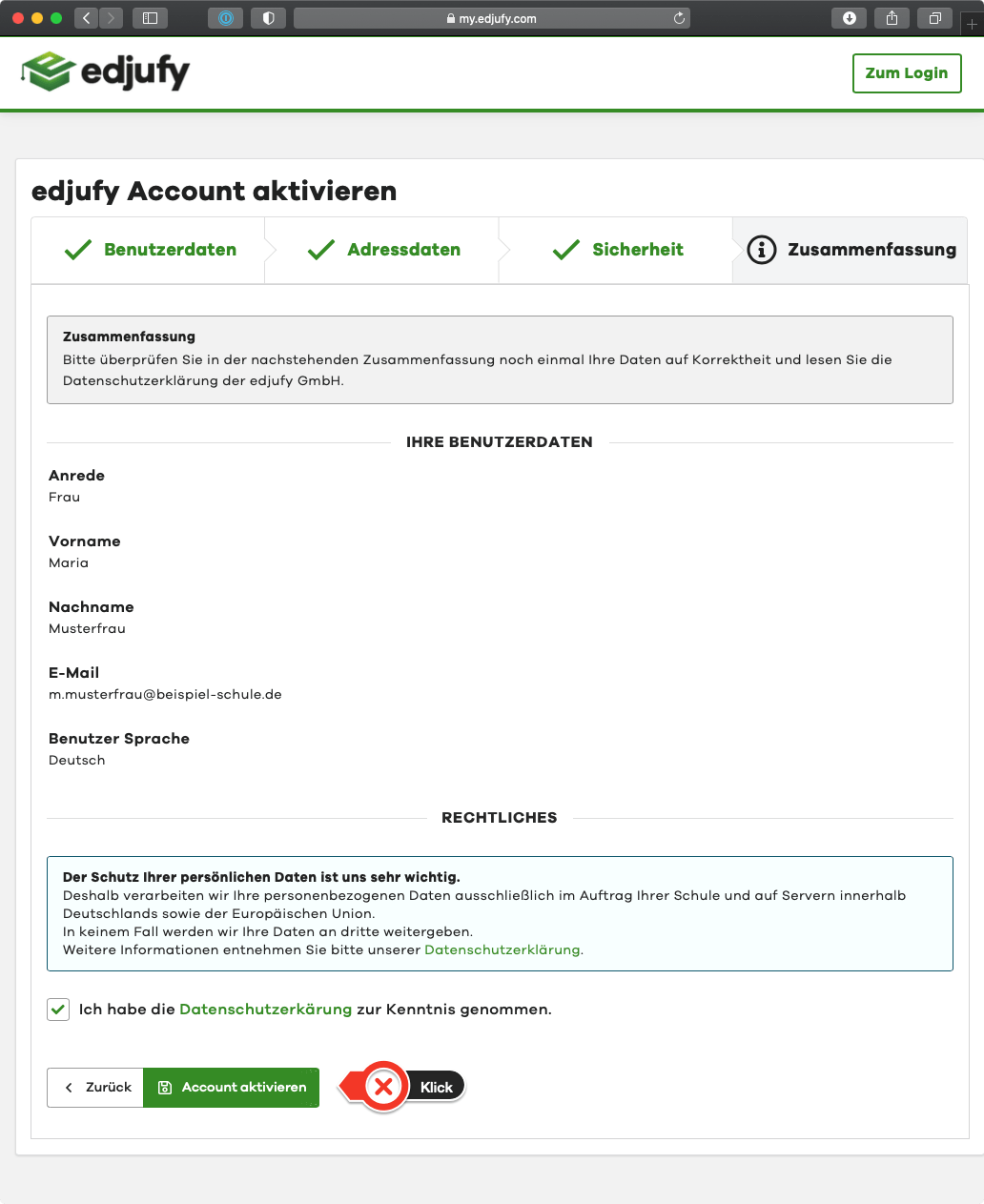
The account activation consists of several individual steps. After you have defined your personal password in the second-to-last step, the account activation is completed in the summary with a final confirmation.
From this moment on, you can log in to edjufy.
Log in to edjufy
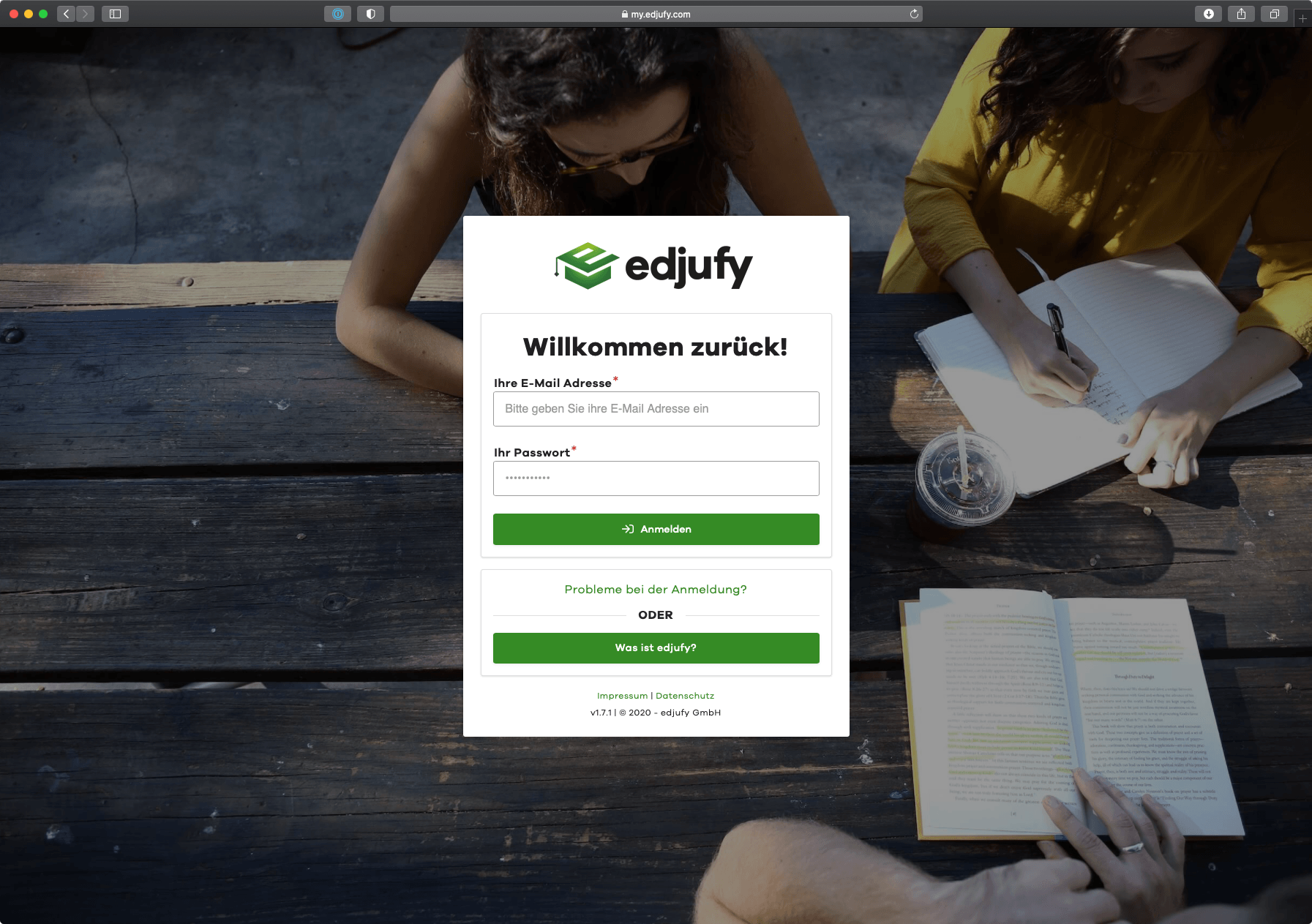
After you have successfully activated your edjufy account, you can now log in to edjufy with your email address and your personal password. To log in, please open the following URL in your browser: https://my.edjufy.com