Manage Time Slots
Access Meeting
To manage the time slots in your meeting, please access it.
Use either the link directly from the invitation or open the "Legal Guardian Meetings" module and select the desired event there. In the event, select the "My Meeting" tab. This will take you directly to the detail view of your meeting.
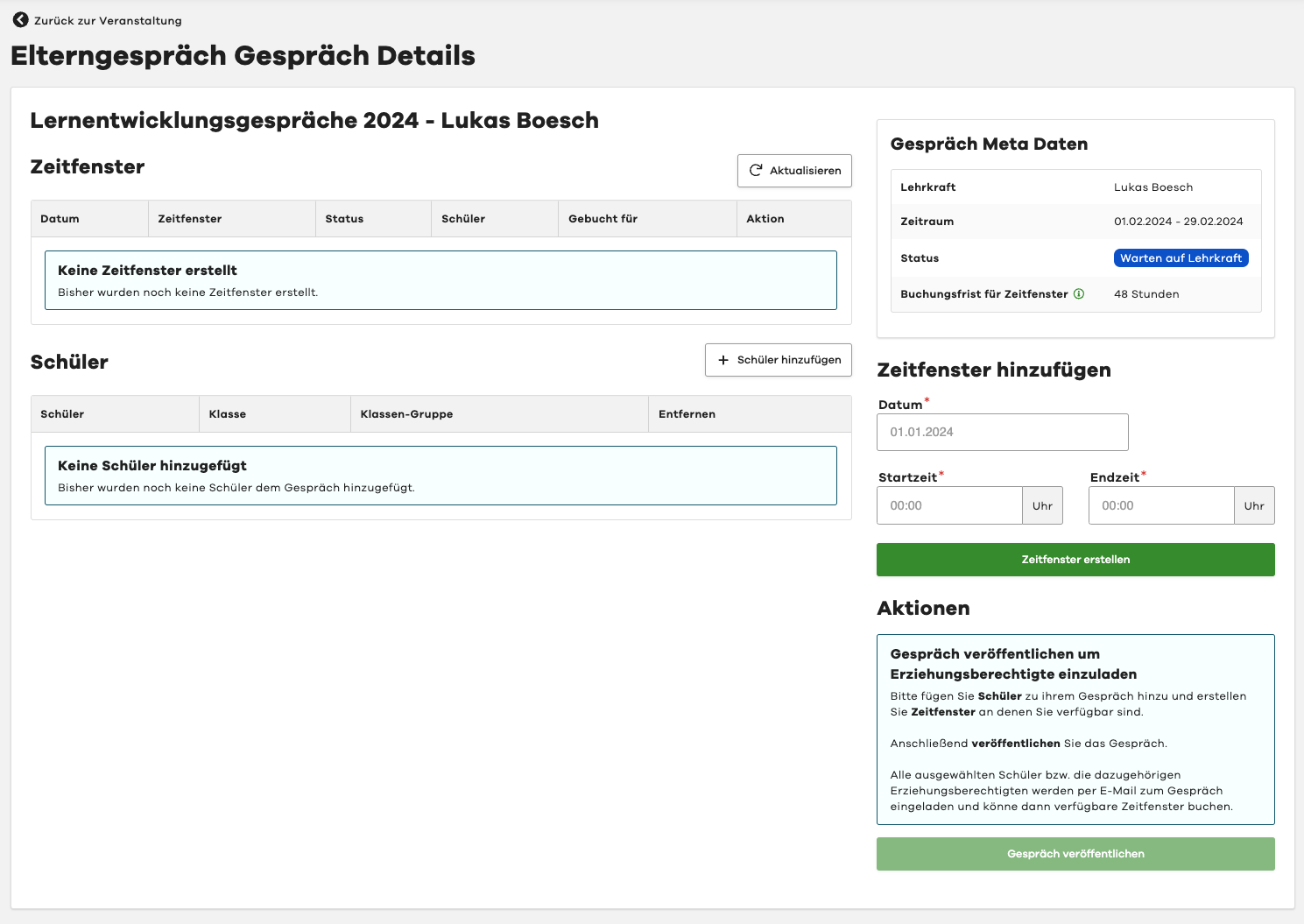
Add Time Slot
To add a time slot to your meeting, please use the "Add Time Slot" form on the right side.
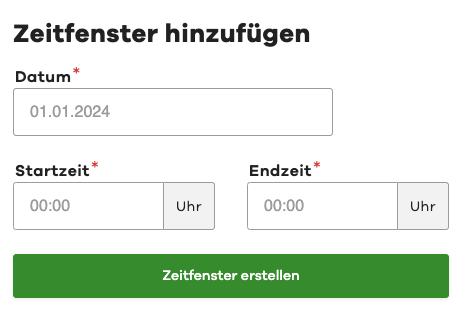
First select the date for the time slot. Then set the start and end time.
To create the new time slot, please click on the "Create Time Slot" button.
Delete Time Slot
To remove a time slot from your meeting, please click on the "Delete" button next to the desired time slot in the list.
Deleting a time slot is only possible if the time slot has not yet been booked.
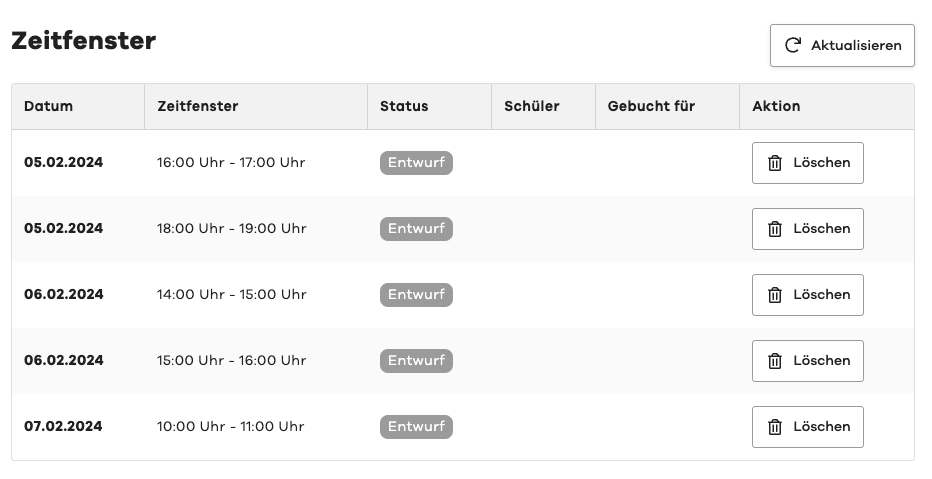
If you no longer have time for an already booked time slot, you can cancel it.
After cancellation, you should delete the time slot to prevent any new bookings.