Publish Meeting
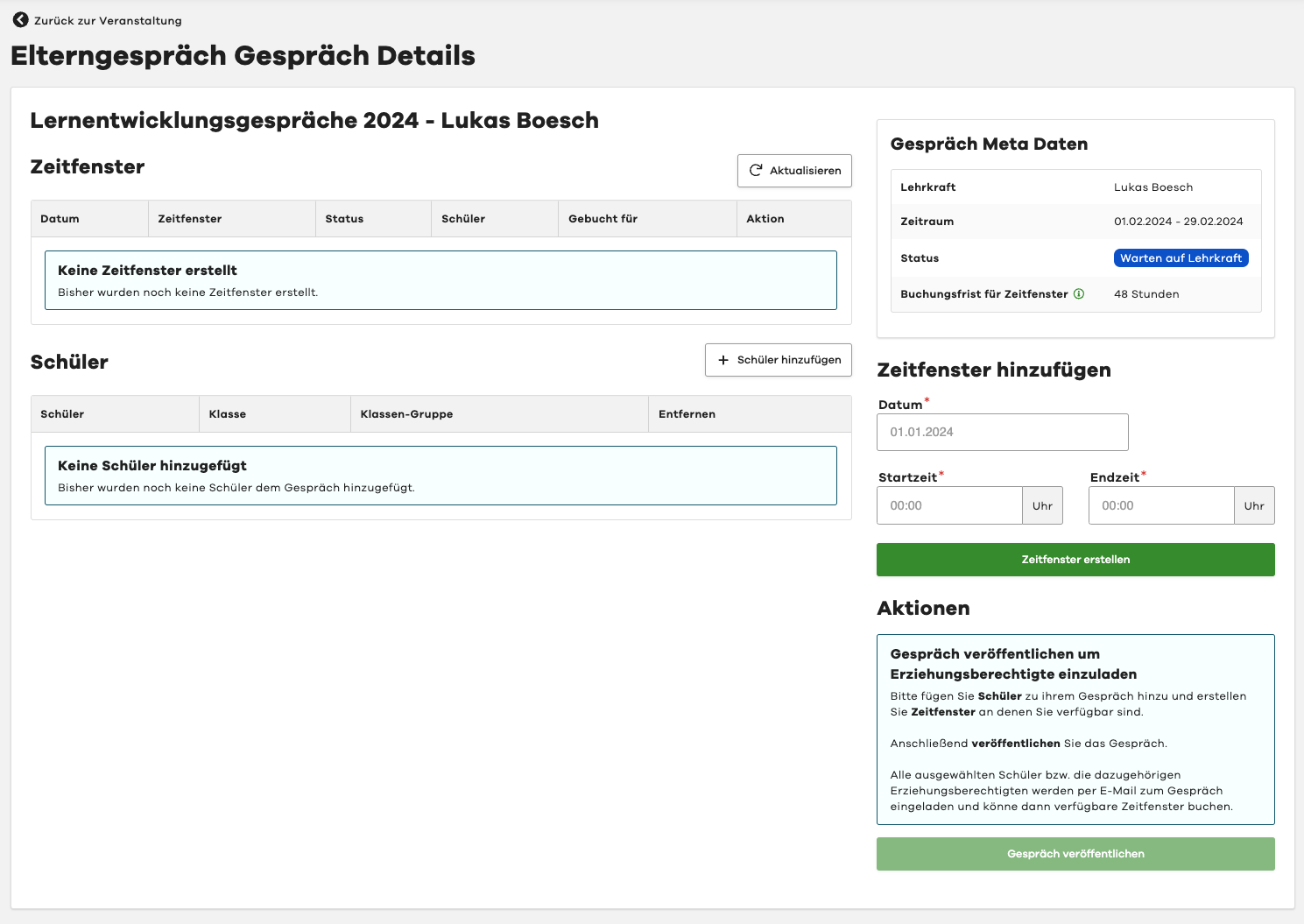
After you have selected all students for your meeting and created the time slots, you can publish the meeting.
To do this, please select the "Publish Meeting" button in the "Actions" section on the right.
All selected students, or rather their associated legal guardians, will be invited to the meeting via email and can then book available time slots.