Book and Cancel Time Slots
Book Time Slot
Generally, time slots can only be booked after the meeting has been published.
If a legal guardian does not have the ability to book a time slot themselves, you can do it for them. To book a time slot, click on the "Book" button in the desired row in the list of time slots.
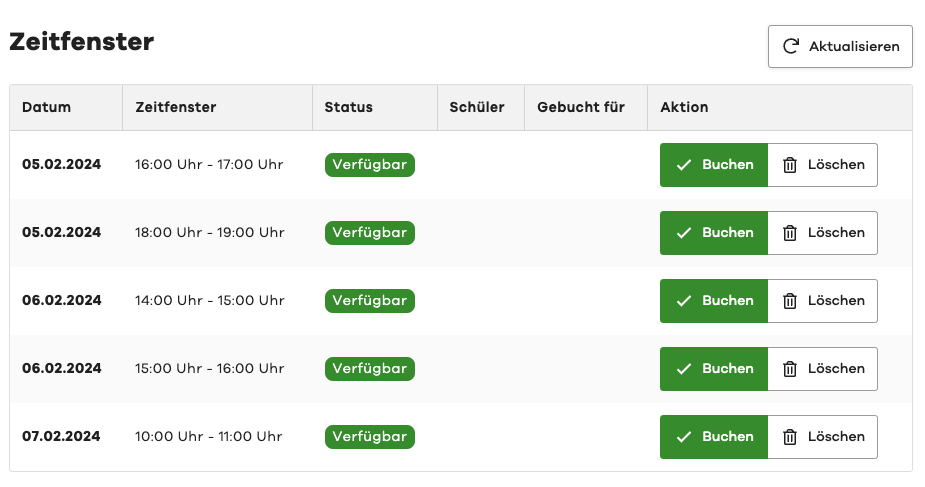
Then select the desired student and optionally the associated legal guardian.

The legal guardian will then be notified of the booking via email.
Cancel Time Slot
If you no longer have time for an already booked time slot, or if the legal guardian cancels through another channel, you can cancel the booked time slot.
To do this, select the "Cancel" button in the desired row in the list of time slots.
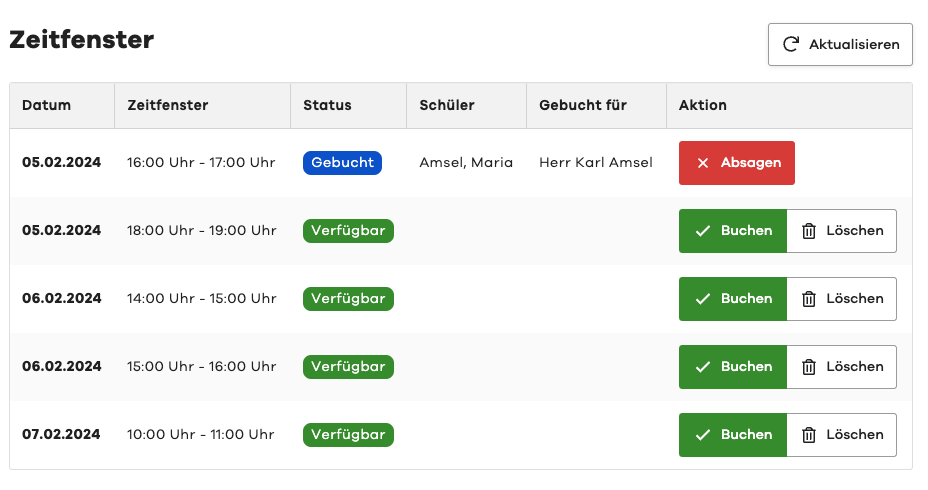
You will then need to confirm the cancellation and provide a reason for the cancellation.
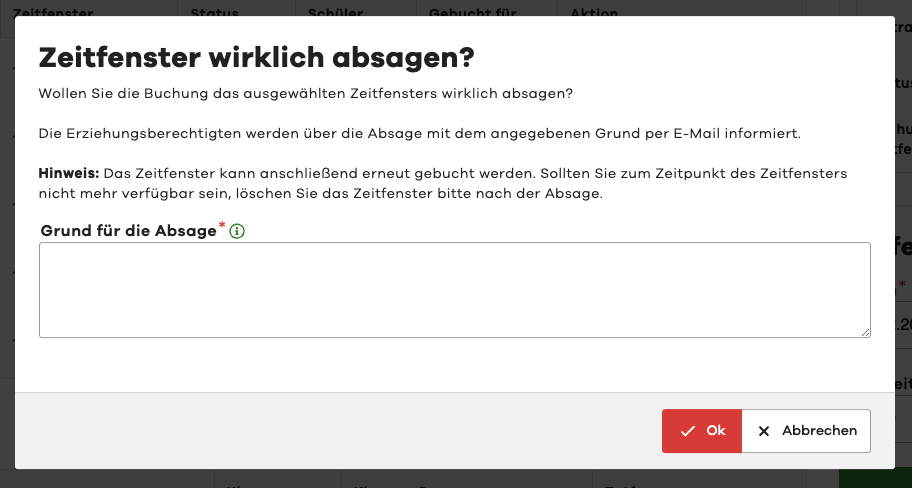
The legal guardian will then be notified of the cancellation via email.
After cancelling a time slot, it becomes available for booking again.
If you do not want to make the time slot available for booking again, you can delete it after cancellation.