Cancel Event
Access Event
To cancel a legal guardian meeting event, please open the "Legal Guardian Meetings" module and then select the desired event from the list.
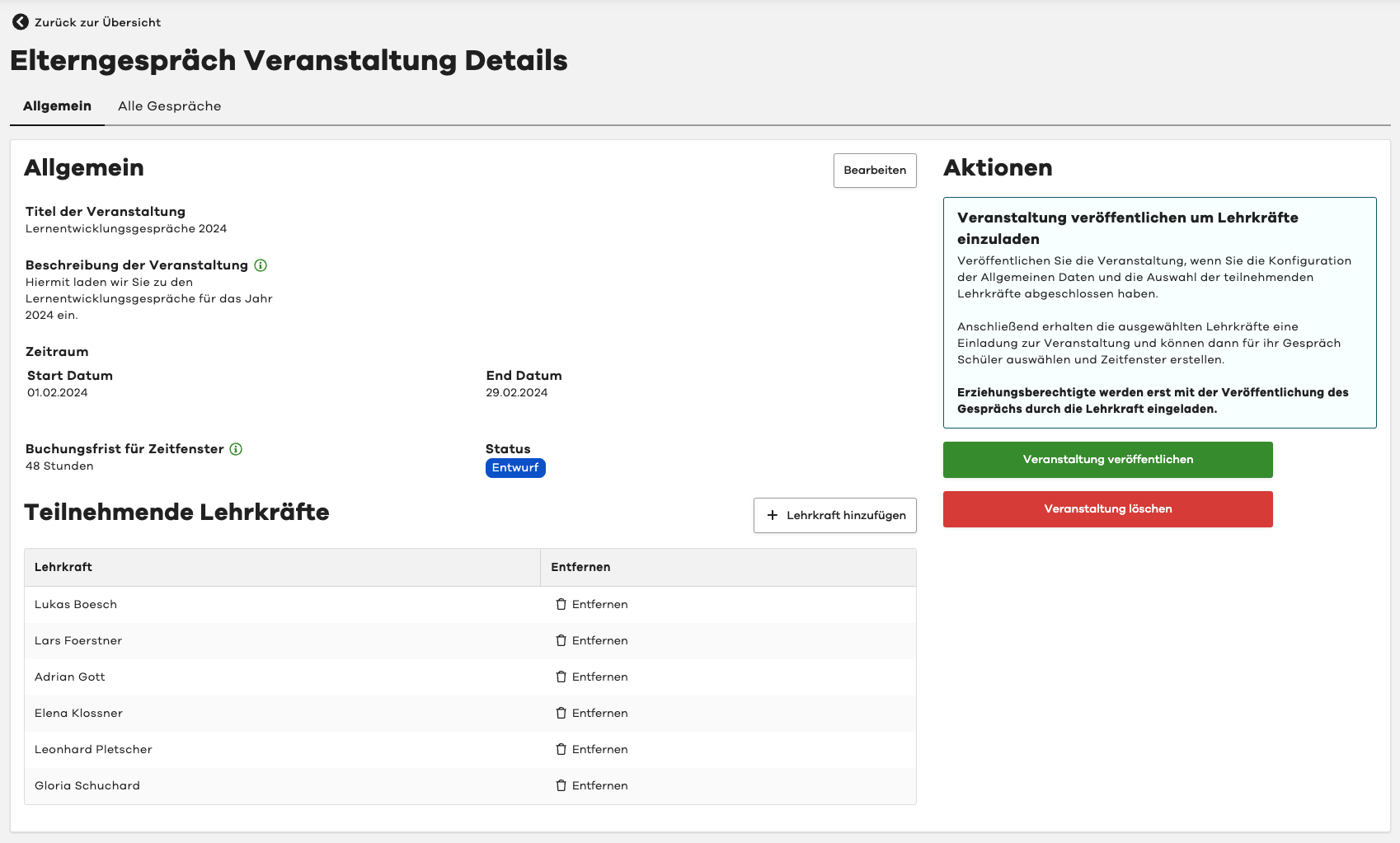
You are now in the detail view of the event:
Cancel Event
If the event has already been published but should no longer take place, you can cancel it.
To do this, please select the "Cancel Event" button in the "Actions" section in the top right corner.
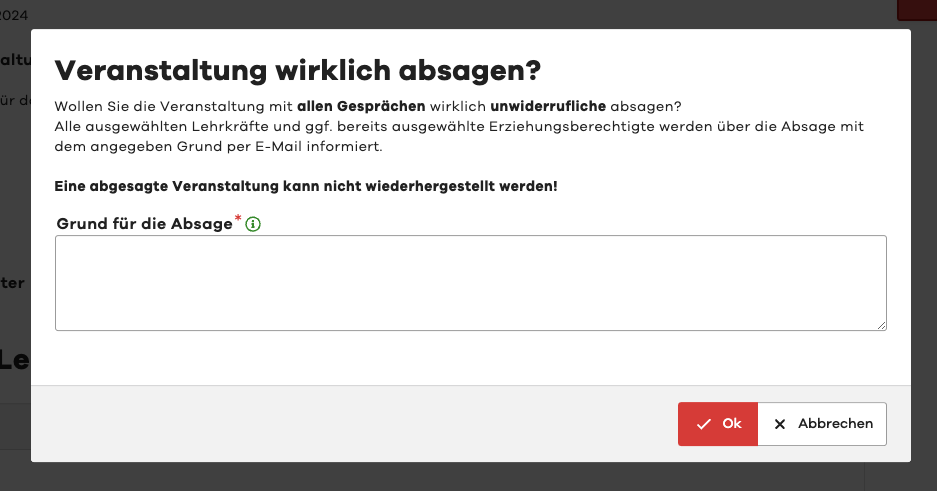
You will then need to confirm the cancellation and provide a reason for the cancellation.
Attention
If you cancel an event, all teacher meetings will also be automatically cancelled.
All selected teachers and any already selected legal guardians will be notified of the cancellation with the specified reason via email.
A cancelled event cannot be restored!